
Simple, Stress-Free Tech Help for Seniors
“Whether you’re brand new or just need a little guidance, I’ll help you master your devices with ease and confidence.”
Know that;“Technology can feel overwhelming — but it doesn’t have to be. I guide you step by step, helping you gain confidence and independence with your devices.”
What I help with
-
![]()
E-mail & Messages
Learn how to read, send, and organize email, spot spam safely, and keep in touch with loved ones through text messages, photos, and simple group chats.
-
![]()
Camera & Photos
Get comfortable taking photos and videos, finding them again later, creating albums, and sharing special moments without worrying that you will “break” something.
-
![]()
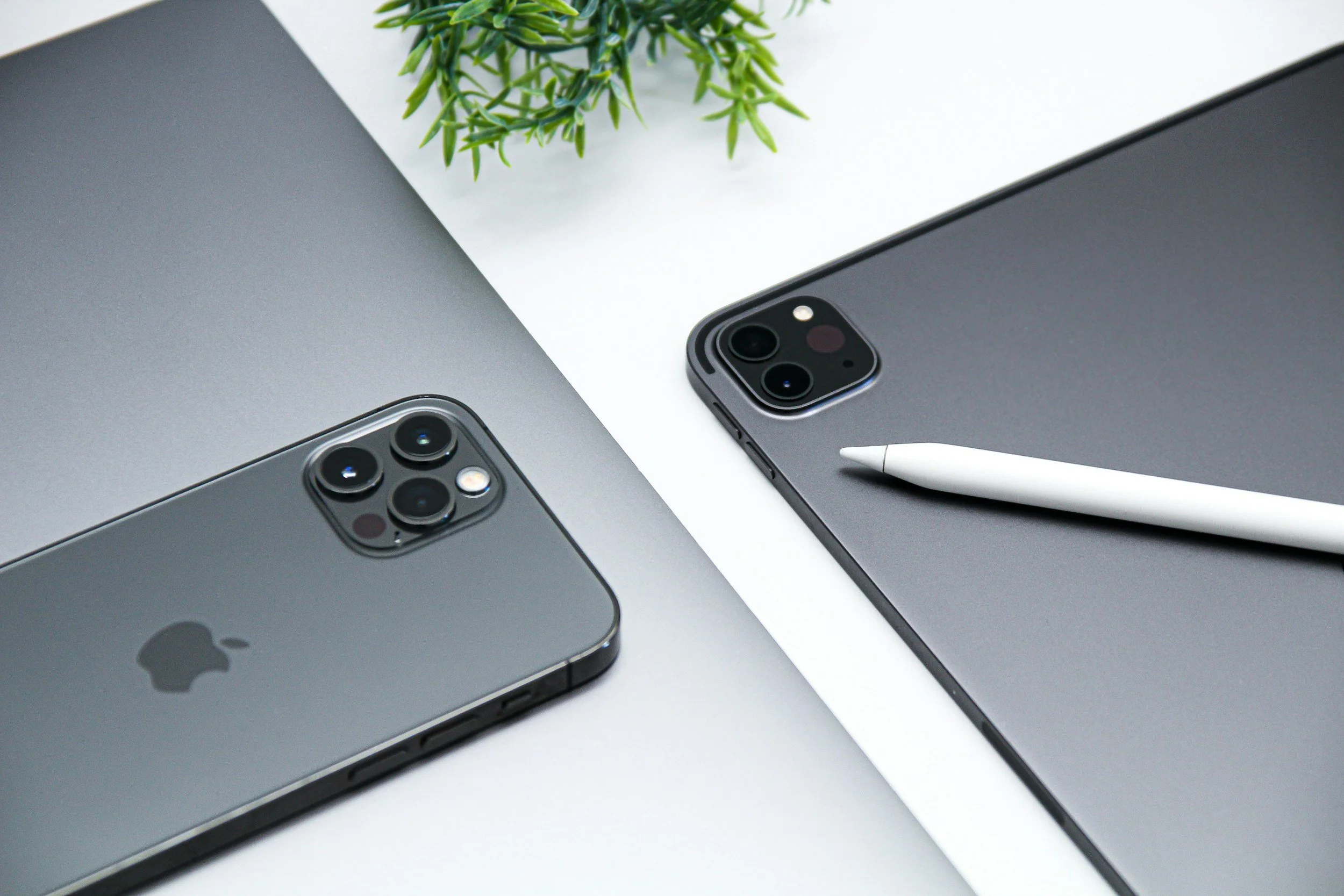
iPhone, iPad, Apple Product Help
Whether you are brand new to Apple or just feel stuck, we can walk through settings, apps, and everyday tasks until they feel simple. I repeat steps as often as you need.
-
![]()
Chat GPT & AI
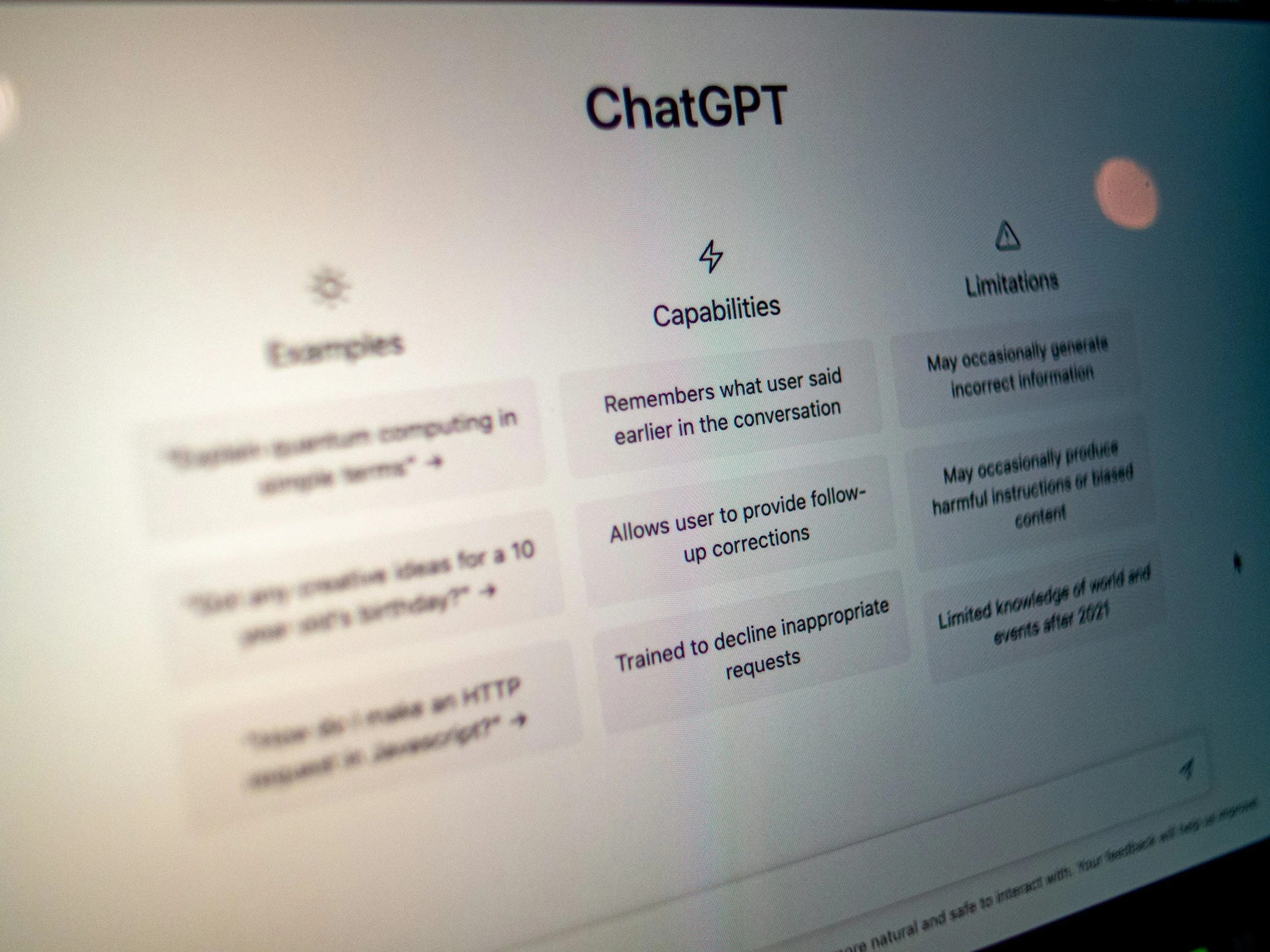
Curious about artificial intelligence but not sure where to start. I can show you safe, simple ways to use tools like ChatGPT to save time, write messages, or learn new things.


La Jolla Community Center's Tech Guru
In an era where our lives are increasingly lived through glass screens, it’s easy to feel left behind by the very devices meant to keep us connected. For many, an iPhone or iPad isn't just a gadget; it’s a gateway to family, a mobile office, or a creative studio. Yet, the rapid pace of updates can often turn a helpful tool into a source of frustration.
That is why we believe technology should be taught with patience, not just technical jargon.
Our courses are built on the philosophy that "real progress" isn't measured by how fast you can navigate an app, but by how confident you feel using it once the lesson is over. We move at a deliberate, human pace, ensuring every tap and swipe becomes second nature. Whether you are learning to FaceTime your grandkids, organize a lifetime of photos, or secure your personal data, we focus on the milestones that matter most to you.
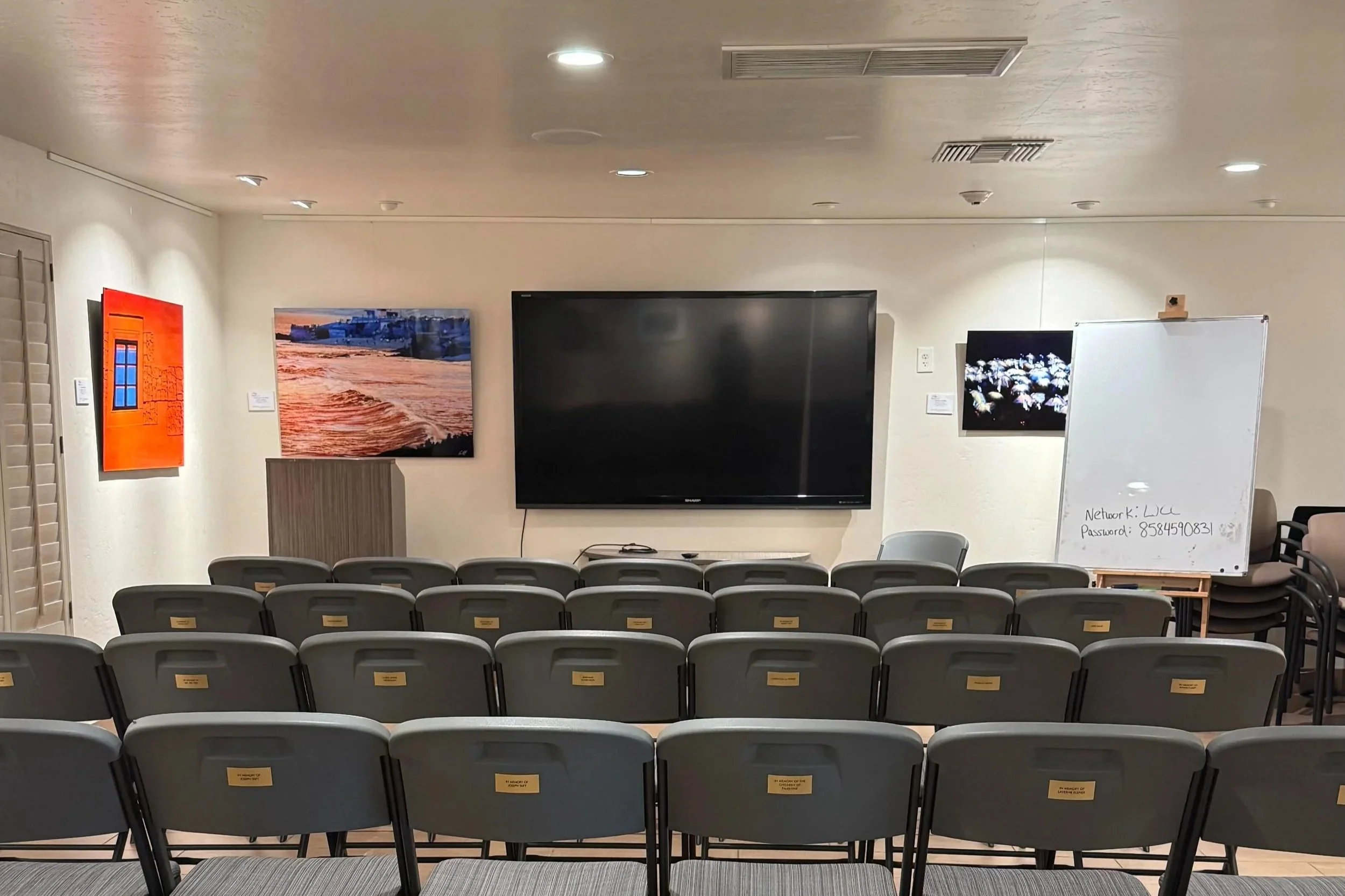
We understand that the most effective learning happens in a comfortable environment. That’s why we’ve removed the "tech support" counter from the equation. By offering customized, on-location training, we bring the classroom to your living room or office. This one-on-one approach allows us to tailor the curriculum to your specific needs, focusing only on the features you actually want to use.
Technology shouldn't feel like a hurdle. It should feel like an extension of your intent. If you’re ready to stop "getting by" and start truly mastering your device, we are here to guide you every step of the way.
Courses on iPhone/iPad available

How it works
-
Step 1
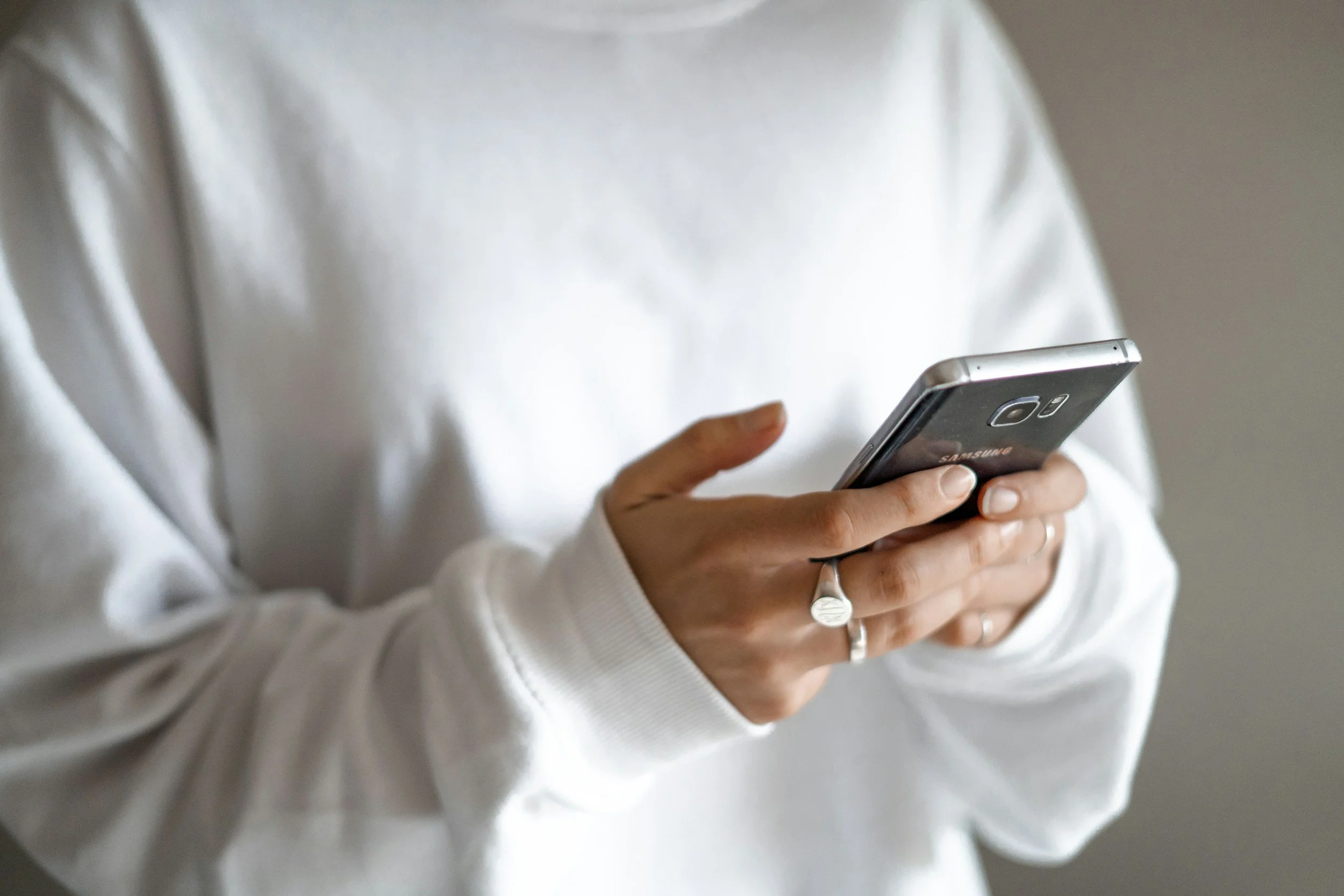
Send a Message
Fill out the contact form listing your goals. I will reply with the best session option.
-

Step 2
We meet and solve it together
Virtual or in person. We focus on one clear goal at a time.
-
Step 3
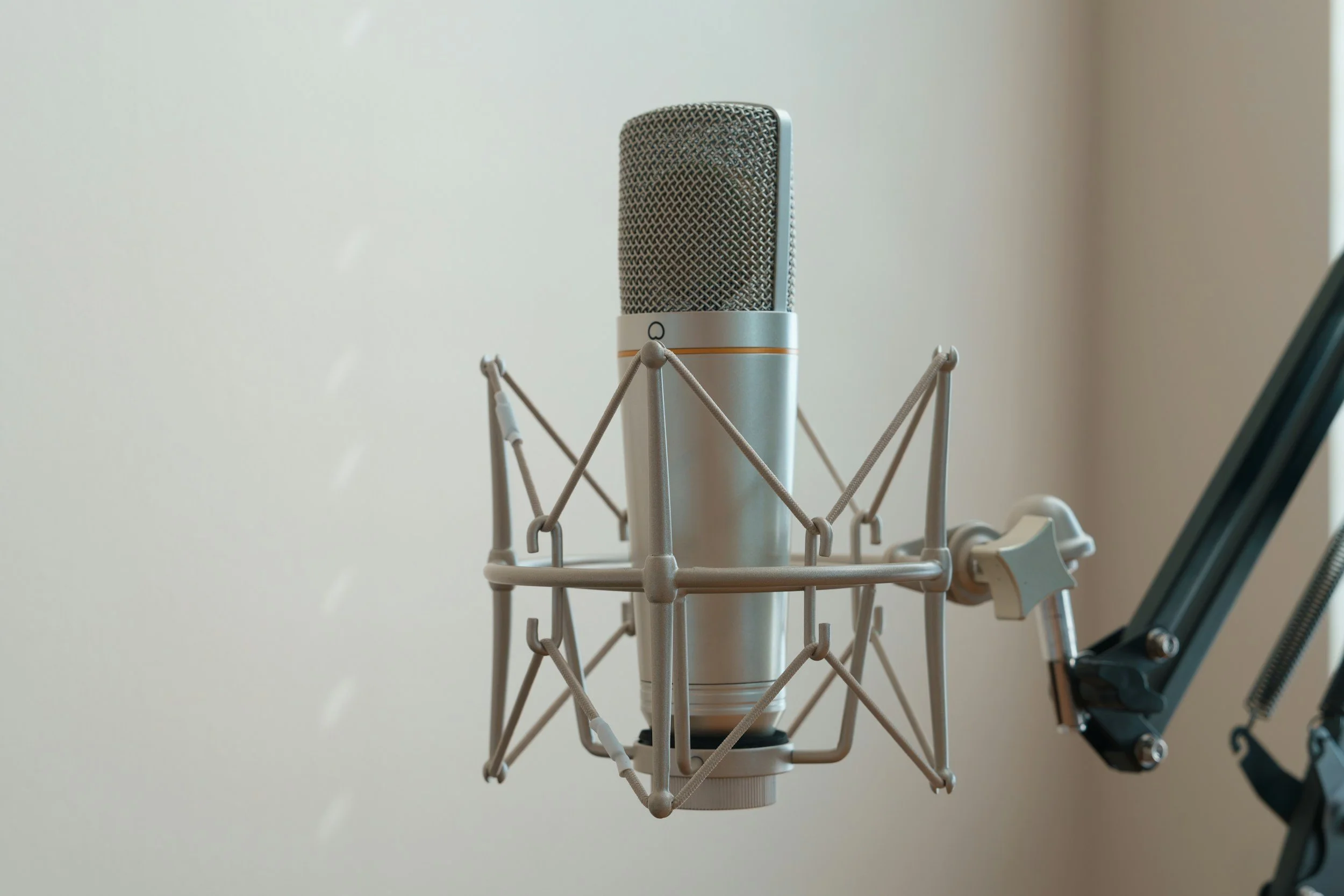
You leave with notes
I will record and transcribe our session so you can listen to it and repeat it later.
Pricing and How to Be Prepared
-
In person sessions start at $75 for 60 minutes.
In home sessions start at $150 for 60 minutes. Travel is included within 15 miles of 92123. Beyond that, I will confirm a small travel fee before we meet.
Longer sessions are available if you have multiple devices or a bigger goal. -
Virtual sessions start at $45 (30 minutes).
Available via text, Zoom, FaceTime, or phone call.
If we start by text and it is easier to switch to FaceTime or Zoom, we can. -
Payment is made directly to Hollie Berry by cash or digital payment (Venmo or Zelle) before or at the time of your session.
-
Bring your device and charger
Have your Apple ID login if possible
Know your wifi name and password if needed
Write down 1 to 3 goals
If you have more than one device, keep them nearby
-
That is common. We will work through it together.
-
Please give at least 24 hours notice whenever possible. To reschedule or cancel, email hollie@hollieberry.com
Let’s Work Together
If you're interested in working with me, complete the form with a few details about your project. I’ll review your message and get back to you within 1 to 2 business days with the best next step and the right booking link if needed.